Start here
The demo
The full demo is a moonlit courtyard with the fire in the middle and a control panel that exposes the presets, quality tiers, toggles and the main sliders. It runs from the package with npm run dev, and in your browser right here.
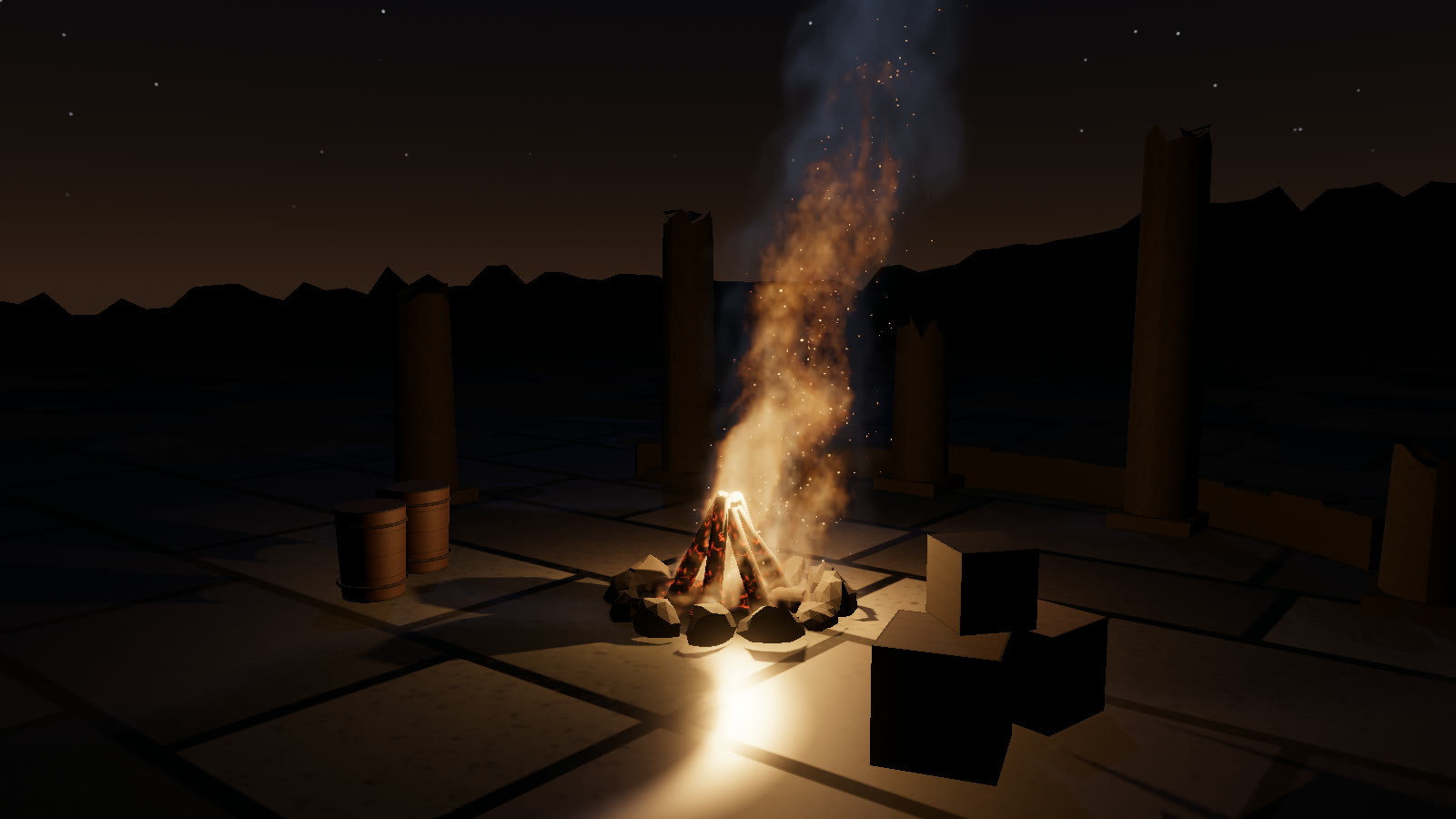
npm run build:demo. Drag to orbit, click to throw a fireball, double-click to detonate, and press 1–7 to switch presets.#Controls
#Mouse
| Input | Action |
|---|---|
| Drag the background | Orbit the camera |
| Scroll | Zoom (3–24 m from the target) |
| Drag the flame | Move the fire. Campfire, jet, plume and fireball slide along the floor, while torch and mesh move freely. The explosion has no handle |
| Drag the sphere | Move the obstacle. It pushes the gas as it moves |
| Click | Fireball where you clicked |
| Double-click | Explosion where you clicked |
#Keys
| Key | Action |
|---|---|
| 1 – 7 | Campfire, torch, jet, plume, fireball, explosion, mesh |
| F | Fireball above the fire |
| E | Explosion above the fire |
| M | Next mesh for the mesh preset: torus knot, torus, icosahedron |
| O | Obstacle sphere on / off |
| R | Reset the fluid |
| H | Hide the interface |
#Panel
| Control | What it sets |
|---|---|
| Low / Med / High / Ultra | setQualityLevel(). The grid is rebuilt, so the fire restarts |
| Self-shadow, Fire light, Reflect, Embers, Heat haze | params.selfShadow, fireLight, reflections, embers, heatHaze. These stay as you set them when you switch presets |
| Obstacle | Adds or removes a 0.6 m sphere obstacle |
| Orbit | Slowly auto-rotates the camera |
| Copy preset JSON | Copies fire.getParams() to the clipboard (and logs it) |
| Wind, turbulence, cooling, expansion, buoyancy, smoke, intensity | The params of the same names. Wind runs from −4 to 4 m/s |
| Fireball, Explode | Same as F and E |
The HUD shows the grid size, the voxel count and raymarch steps, the measured flame volume and temperature from fire.fireState, and the frame rate.
#What the demo adds on top of the library
The library has no scenery and no UI. demo/main.js adds:
- Props per preset. The logs, torch, nozzle, brazier, scorch mark and burning mesh. The logs and the burner are the preset mesh slots:
meshes: { logs: S.logs, shape: S.burner }. - The walking torch. On
torch, the demo moves the preset anchor on a figure-eight withfire.setOrigin(), and the emitter'sinheritVelocitymakes the flame trail behind. - Glowing props. The logs' emissive intensity follows
fire.fireState.power. - Camera shake.
fire.onBurstsets a shake amount for explosions, applied aroundfire.render()only. - Moonlight on the smoke.
fire.setLighting({ sunDirection: MOON_DIR })points the smoke's key light at the scene's moon.
#Automation contract
The demo exposes window.__pro, the contract every NatureGL demo shares. npm test and the docs' media capture drive the demo through it.
window.__pro = {
  ready: true,                  // after the first frames rendered
  system: fire,                 // the FireSystem
  presets: ['campfire', 'torch', 'jet', 'plume', 'fireball', 'explosion', 'mesh'],
  qualities: ['low', 'medium', 'high', 'ultra'],
  applyPreset(name) {},         // props + preset + camera
  setQuality(level) {},         // also turns adaptive quality off
};
Add ?smoke to the URL to skip the fade-in and the adaptive quality, and to make applyPreset cut to the preset camera instead of tweening to it.