Guides
Fire light
The fire measures itself on the GPU every third frame and drives two ordinary three.js point lights from the result. Your scene is lit by the flame it can see, in the flame's own colour.
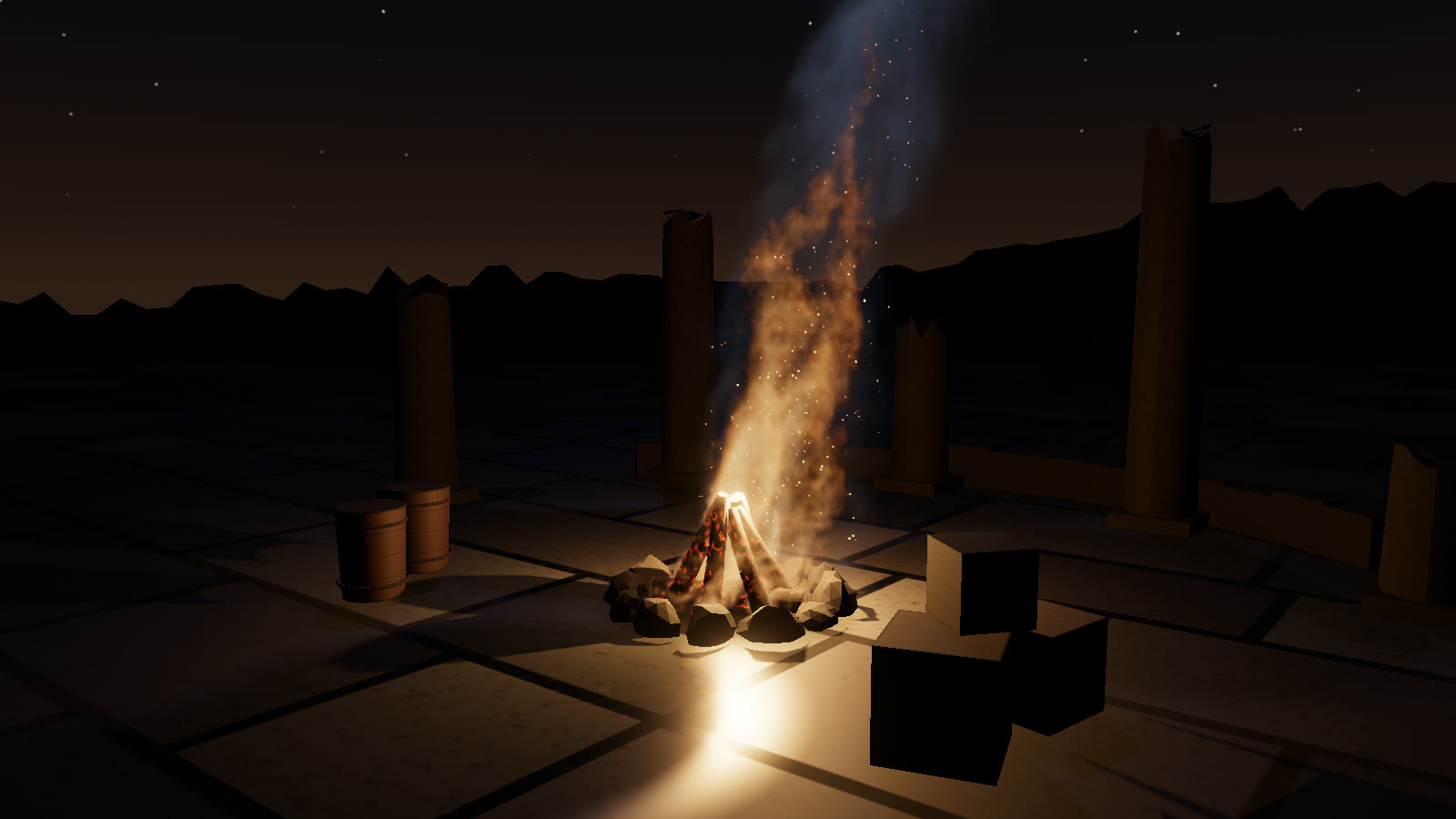
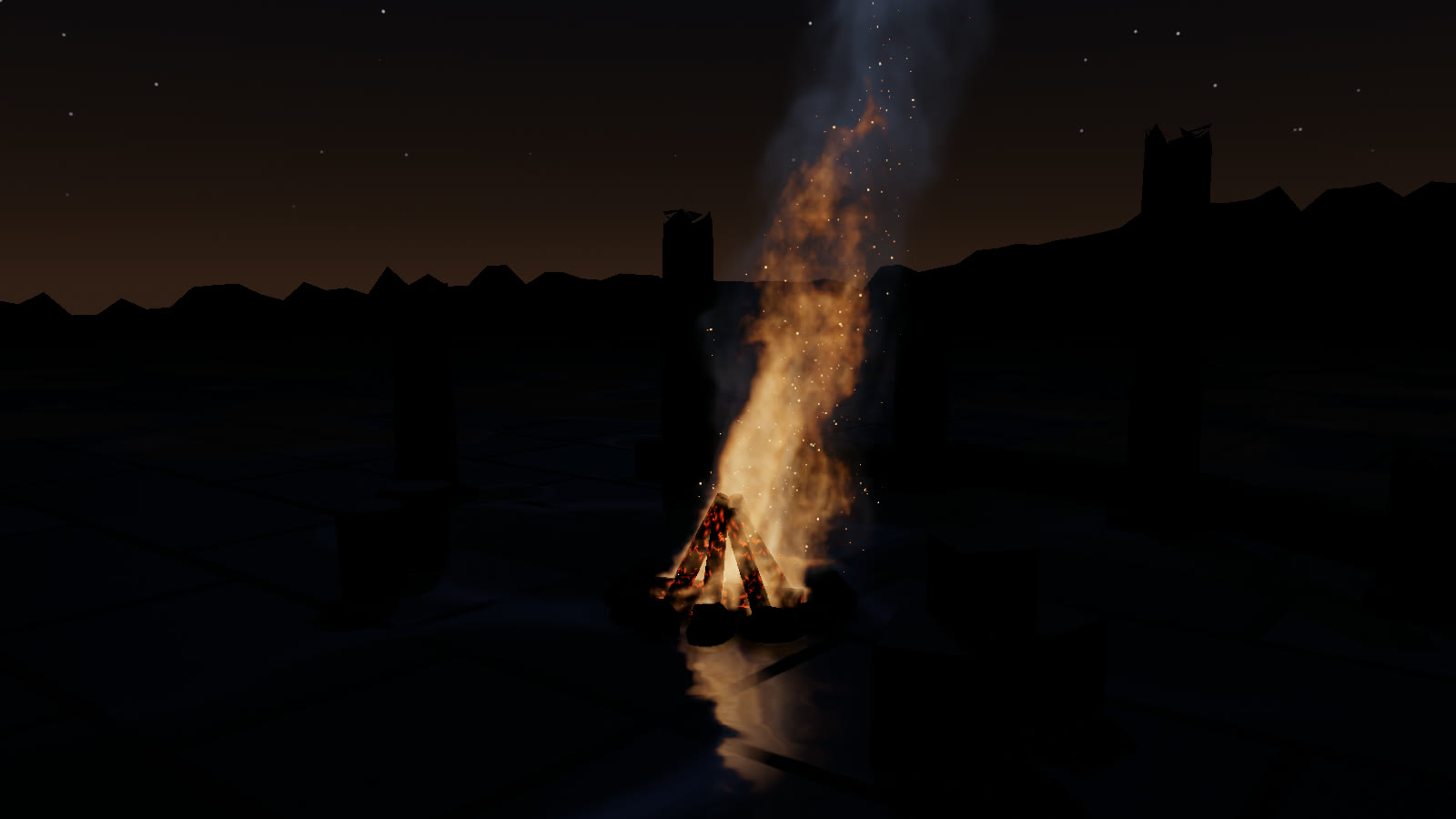
campfire in the demo courtyard with the fire light off and on. The logs' glow is the demo's own emissive material, which follows fire.fireState.power in both shots.#Two lights, added for you
| Property | Light | |
|---|---|---|
fire.fireLight | THREE.PointLight, casts shadows | Near the flame base. 512² shadow map, bias −0.004, radius 4, shadow camera 0.05–30 m |
fire.fillLight | THREE.PointLight, no shadows | Higher up in the plume, at 0.35× the main intensity |
Both use decay: 2 and no distance cutoff. create() adds them to your scene unless you pass addLights: false. For the shadows, enable them on the renderer and on your meshes:
renderer.shadowMap.enabled = true;
renderer.shadowMap.type = THREE.PCFShadowMap;   // what the demo uses
floor.receiveShadow = true;
logs.castShadow = true;
They're plain lights. You can read them, re-parent them or change the shadow settings:
fire.fireLight.shadow.mapSize.set(1024, 1024);
fire.fillLight.visible = false;
update() writes their colour, intensity, position and visible every frame, so change those through the params below rather than on the lights.
#The fire probe
A reduction pass sums the flame over the grid: its temperature-weighted centroid, its volume, its mean temperature, and the smoke and burn totals. The result is read back with readRenderTargetPixelsAsync, so the CPU never waits on the GPU. fire.fireState holds the smoothed values:
| Field | |
|---|---|
position | Flame centroid, world Vector3 |
power | Flame volume in m³ |
temperature | Mean flame temperature in sim units |
kelvin | kelvinBase + kelvinScale × temperature (temperature clamped to 0.5–1.4) |
smoke, burn | Smoke and burning totals |
The lights follow from it:
- Colour. The blackbody ramp at
kelvin + 250, the same ramp the flame uses. - Intensity.
√(power × intensity) × 120, capped at 420, with a fast flicker, timesparams.fireLightIntensity. - Position. The main light sits at 70% of the centroid and 30% of the emitters' centre, and at least 0.75 m above the floor. The fill light sits above the centroid.
fire.params.fireLight = false;          // both lights off (visible = false)
fire.params.fireLightIntensity = 1.5;   // brighter, independent of the flame
fire.params.intensity = 1.5; // brighter flame, and a brighter light with it#Use the probe yourself
fireState is useful beyond the built-in lights. The demo drives the glow of its logs with it:
renderer.setAnimationLoop(() => {
  fire.update(dt);
  const pw = fire.fireState.power * fire.params.intensity;
  logsMat.emissiveIntensity = 0.8 + Math.min(Math.max(pw, 0), 2) * 1.2;
  lampLight.color.copy(fire.fireLight.color);          // match another light to the fire
  fire.render();
});
torch walking through the courtyard. The light moves with the flame centroid, and the walls and barrels light up as it passes.